Viggle AI: The Ultimate Guide
Oct 14, 2025, by Viggle Team
Viggle AI has rapidly grown into a state-of-the-art motion generation platform used by Hollywood professionals, short form content creators, and over 40 million global users. Its thriving Discord community continues to push the boundaries of what’s possible with character-driven video content.In this guide, you will learn about Viggle's core features, explore its diverse use cases, understand its impact on TikTok trends, and discover how to get started with this powerful AI video generator.
Meet Viggle: The Ultimate AI Video Generator
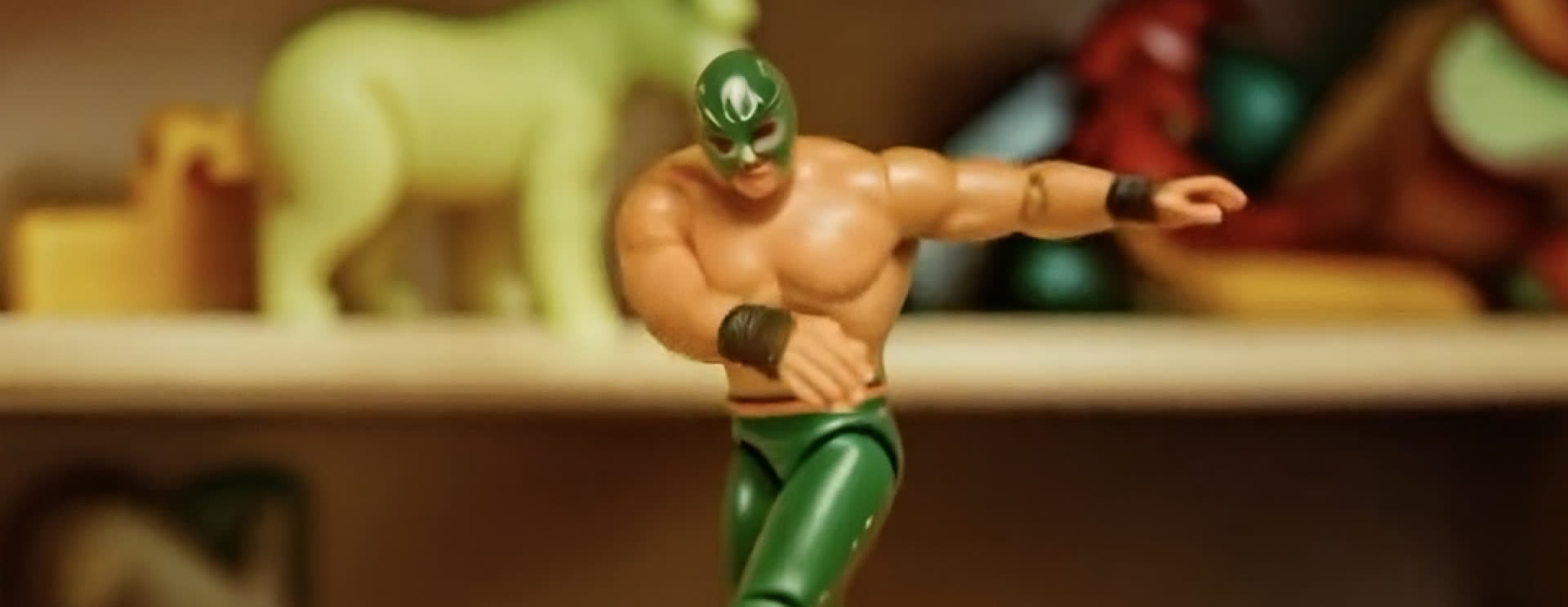
At its core, Viggle runs on JST-1, a powerful video-3D foundation model that understands physics. This allows for advanced video manipulation and precise motion control. Unlike many AI tools that simply generate new images or videos, Viggle enables users to take a static character image and pair it with motion from a video to produce a seamless, realistic animation in just minutes.Viggle's accessibility across web and mobile platforms, combined with its unique technological foundation, positions it as a leading tool for AI-driven video creation.Below are links to access Viggle:
Web Interface: [https://www.viggle.ai/home]
Apple App Store: [https://apps.apple.com/us/app/viggle-ai-official/id6503272013]
Google Play Store: [https://play.google.com/store/apps/details?id=com.warpengine.viggle]
Viggle AI Features & How to Use Them
Viggle AI offers a suite of features designed to make character animation accessible and fun. The core functionalities can be understood as follows:
Mix
What it does: The "Mix" feature allows you to replace any character in a video with an image input. This means you can take a video and swap out its existing character for a new one based on your uploaded image. How to use it: Typically, this involves uploading your desired character image and selecting a video. The AI then processes these inputs to generate a new video with your character integrated into the motion of the original video.
Multi
What it does: "Multi" enables multi-character generation, allowing you to replace multiple characters within a single video. Use cases: This feature is ideal for creating scenes with several characters, such as group dance videos, skits with multiple characters, or complex narrative sequences where different individuals need to be animated.
Move
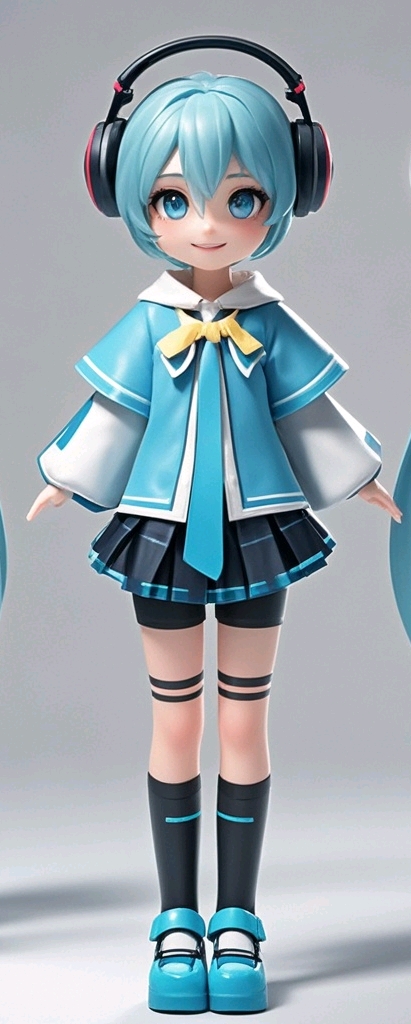
What it does: "Move" focuses on character motion control, enabling you to make any character in a static photo dance using motion input. Use cases: Users can anime characters directly from their favorite manga page or static image. By applying motion data from any video, users can make the characters dance or perform stunts with the original background.
Rap
What it does: The "Rap" feature allows you to make any character rap using either your own custom lyrics or AI-generated lyrics. Use cases: This feature is highly popular for creating viral TikTok memes where characters lip-sync to popular rap songs or create new rap content.
Mic
What it does: "Mic" provides voice-to-motion, voice-sync, and voice clone capabilities, allowing characters to sing or talk with an audio input. Use cases: A user could record themselves speaking or singing, and then Viggle AI would animate a chosen character to lip-sync and perform based on that audio input, creating a synchronized performance.
Editor
What it does: The "Editor" feature provides advanced video customization. It allows users to replace characters with precision, add multiple characters, and track objects within a clip to ensure they remain visible throughout the animation.How to use it: Go to Editor -> Select Create at the top left corner -> Upload your video. After it has finished uploading, click on the Edit button and the Character to add a (+) mark. You can remove your selection with the (-) mark. You can do the same for Object selection and the maximum amount of character/object you can choose is 5. After tracking, your characters can be swapped.
Live
What it does: "Live" enables real-time transformation on a webcam, turning you into any chosen character as you move, dance, or perform actions. How to use it: Simply activate the Live feature, select your character, and start performing on camera. The AI instantly maps your movements to the character, creating an interactive and dynamic experience perfect for livestreams or playful real-time content.
What Makes Viggle AI Special?
Viggle AI distinguishes itself through a combination of advanced technology, a vibrant community culture, and broad accessibility.
Technology: At its core, Viggle utilizes JST-1, a sophisticated video-3D foundation model. This technology is crucial for maintaining character consistency across different animations and powers precise motion control.
Culture: Viggle fosters a culture that is inherently meme-friendly and trend-driven. Its popularity on platforms like TikTok or Instagram is a testament to its ability to tap into and amplify current internet trends, making it a go-to tool for creators looking to participate in viral challenges and create engaging content.
Accessibility: Viggle is designed to be accessible for beginners while offering powerful tools for professionals. It is available on both mobile devices (iOS and Android) and through a web interface, with a free plan that allows users to explore its capabilities, and a paid Viggle Pro plan for more extensive use.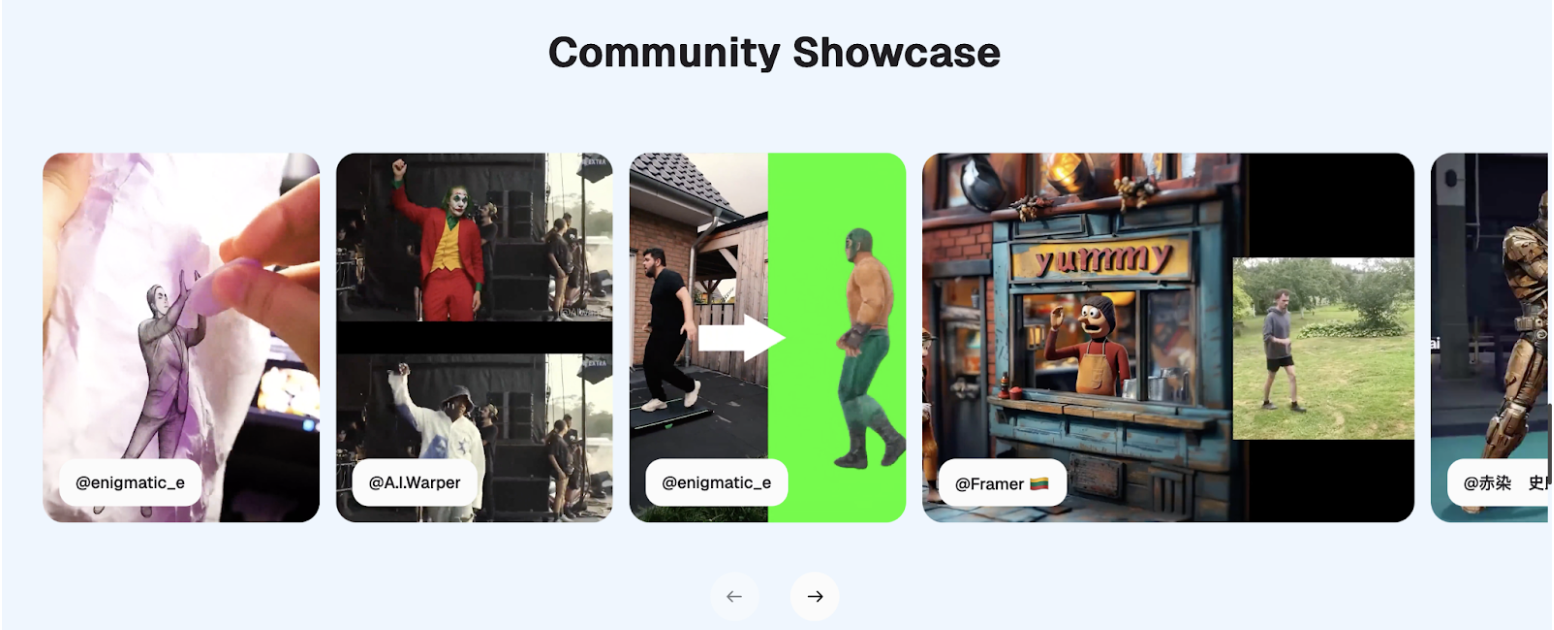
Unlimited Creative Scenarios
Viggle AI's versatile features open up a wide array of creative possibilities:
Entertainment & Memes: Viggle is exceptionally popular for creating viral short form content and meme remixes. Users can animate characters to perform popular dances, lip-sync to audio clips, or create humorous scenarios, driving engagement and shareability.
Creators & Streamers: The platform supports creators by offering tools to generate unique animated content. The Creator Program encourages users to share their work, connect and collaborate with others, fostering a supportive environment for content creation.
Personal Fun: Beyond professional use, Viggle is a great tool for personal enjoyment. Friends can animate themselves or their favorite characters dancing, participate in challenges, or simply experiment with creative video generation for fun.
Viggle Trends on TikTok
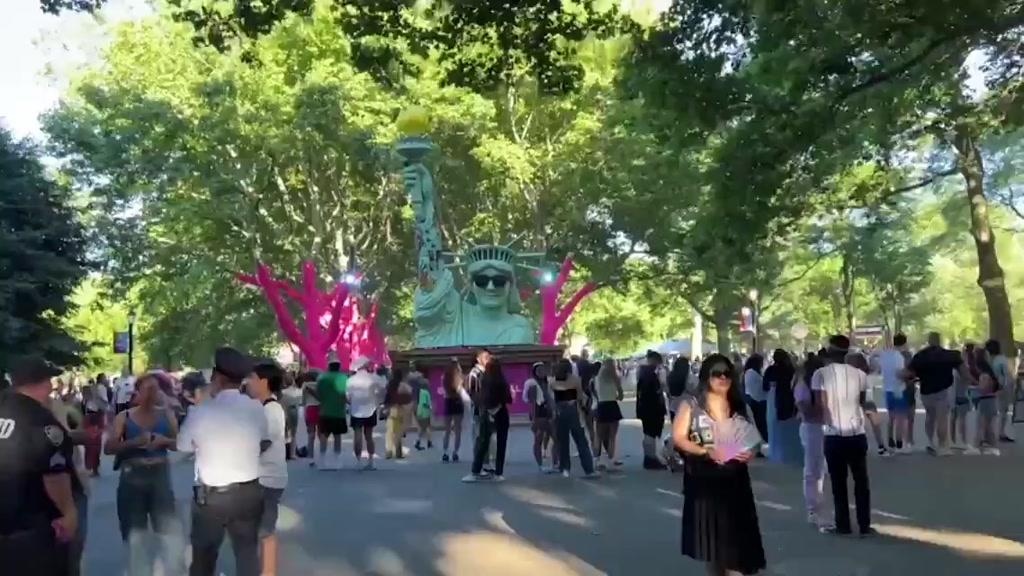
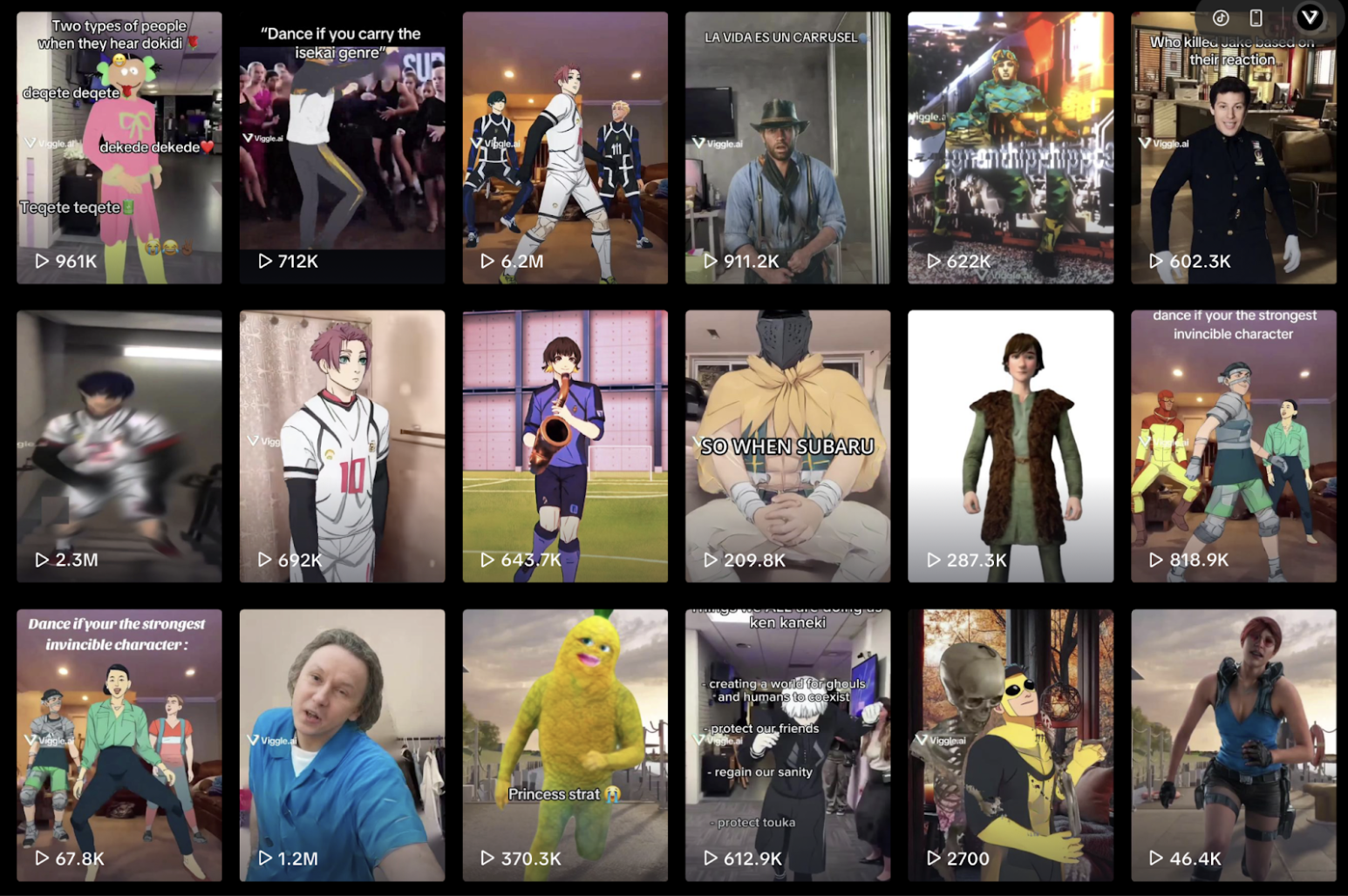
Viggle AI has become a significant driver of trends on TikTok, with users leveraging its features to create highly shareable and viral content. The platform's ability to animate characters to popular audio and dance moves is a key factor in its TikTok virality. Users often animate celebrities, fictional characters, or even themselves to perform trending dances, raps, or lip-syncs, leading to widespread participation and creative remixes.
Try Viggle For Free Today
Viggle AI has established itself as the ultimate AI video generator, offering a unique blend of advanced character animation technology, user-friendly features, and a vibrant, trend-driven community. Its ability to transform static images into dynamic 3D videos quickly and efficiently makes it an indispensable tool for creators, meme enthusiasts, and anyone looking to explore the cutting edge of AI-powered content creation.Ready to bring your characters to life? Try Viggle today!
Visit the Website. Download the App: Available on the Apple App Store and Google Play Store.
FAQs
What is Viggle AI?
Viggle AI is an AI-powered platform that specializes in character creation and motion generation, allowing users to turn static character images into animated 3D videos.
Is Viggle free to use?
Yes, Viggle offers a free plan that allows users to explore its features. Viggle subscriptions are also available for enhanced capabilities. To see more, please go to our subscription.
How do I make a Viggle video?
You can make a Viggle video by downloading the app or using the web version. Then, utilize features like Mix, Move, Multi, Rap, or Mic to animate your characters using image and motion inputs.
What platforms support Viggle?
Viggle is supported on mobile devices via the Apple App Store (iOS) and Google Play Store (Android), as well as through a dedicated web interface and a Discord server.
Can I use Viggle for TikTok or YouTube?
Yes, Viggle is widely used by creators to produce content for platforms like TikTok and YouTube, often featuring in viral trends and challenges.
How is Viggle different from other AI video generators?
Viggle stands out with its unmatched focus on character animation and motion imitation, making it faster, smoother, and more affordable than many tools that focus on different aspects of AI video creation.