
Free AI ImageAnimator
Turn your images into motion effortlessly with Viggle AI's Image Animator. Bring your photos to life by adding dynamic movements, trendy dances, and expressive gestures. Let your character images join the latest video trends — all in just a few clicks.
How to Animate An Image with Viggle
Animating images is effortless with Viggle. All you need to do is upload your photo and choose a motion source for it. See your image move in a minute! Start animating images with these steps:
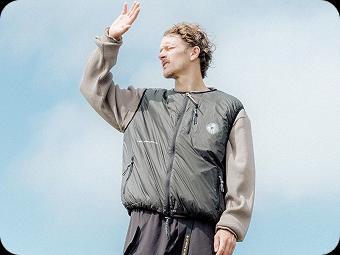
Start with a character image
Go to Mix and upload the character image you want to bring to life.
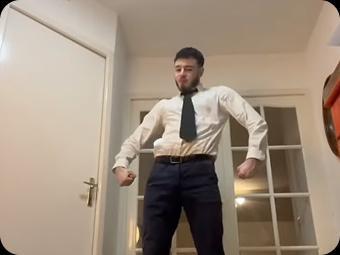
Select a motion source
Choose a motion video from our template library or upload your own reference clip.
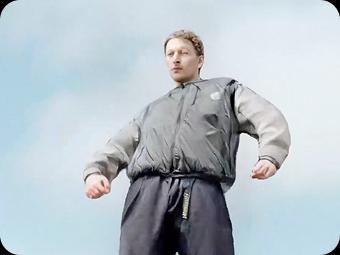
Viggle animates your image
Viggle generates a video from the image you uploaded, syncing it perfectly with the motion from your selected clip.
Animate Your Image with AI
Pick a character, watch them move — then try it with your own image.
Want to use your own photo?
Viggle's AI Image Animator Is Unique
Animate an image with Viggle is a no-brainer
Animating your picture with Viggle only takes three steps. Upload your photo, choose a motion, then hit the generate button. No text prompts needed — everything is visual and straightforward. Generation time is usually under one minute.
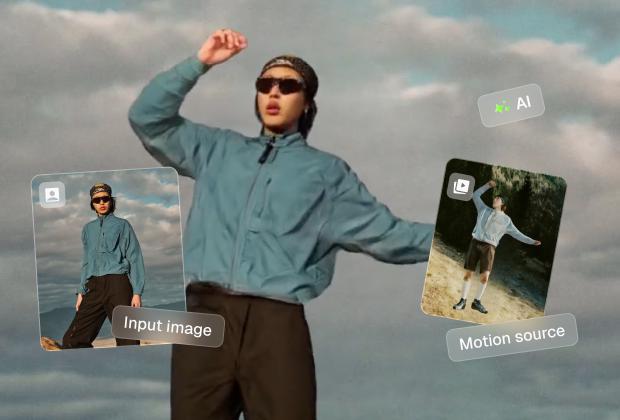
Best practices to animate images with Viggle
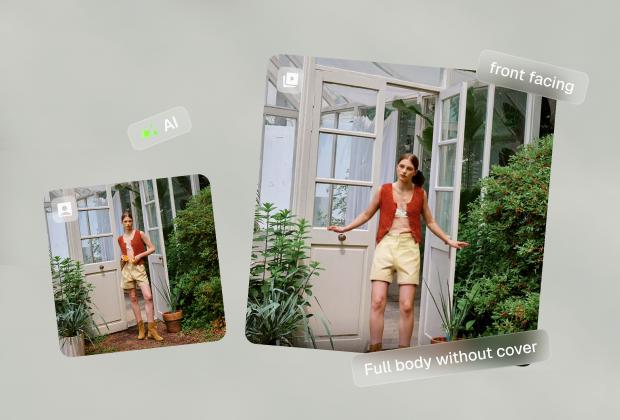
Viggle's AI image animator works best when your photo has good lighting, is front-facing, and the character isn't blocked by too many objects. Choose a motion source where the person in the video doesn't move too far off-frame for the best results.
Achieve precise motion control with 8000+ templates
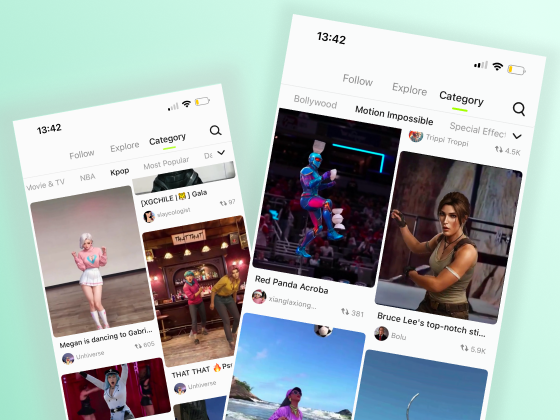
What makes Viggle stand out in image animation is its precise motion control. Instead of relying on text prompts that can lead to unpredictable results, Viggle's AI photo animator precisely transfers motion onto your image. This makes it possible to create perfect videos when you already have a clear idea of the movement you want — whether it's a trending dance, running, ballet, spinning, backflipping, sitting, or anything in between.
Other ways to animate your photo
Mix is one way to animate your image — it places your character into an existing video, matching the same motion as the person in it. You can also use Image & Video, which animates your photo with a chosen motion while keeping the original look. Both methods work great for animating images. If you want your character to appear inside movie scenes, sports highlights, or dance videos — go with Mix. If you want to keep your photo's look and just make it move, use Image & Video.
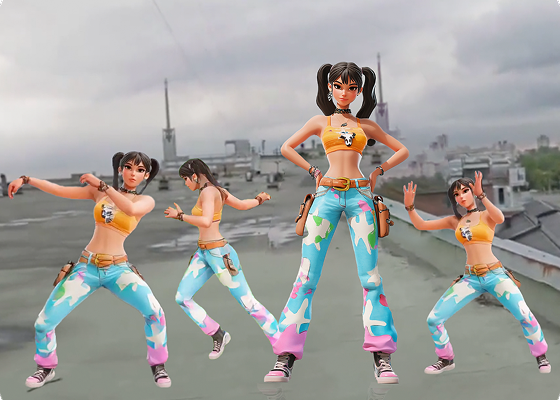
Find More Image Animation Templates
AI Image Animator Frequently Asked Questions
Is Viggle AI Image Animator free to use?
What kind of images can I animate with Viggle?
What features can I use to animate images?
Can I animate multiple characters in the same video?
How long does it take to generate an animated video?
Can I animate anime or cartoon characters?
What makes Viggle different from other AI image animators?
Can I use Viggle for professional animation or filmmaking?
Ready to animate your images?
Try Viggle FreeAnimate Your Images
with AI motion
Turn any photo into a moving character with precise motion control. Free to use, no credit card required to start.